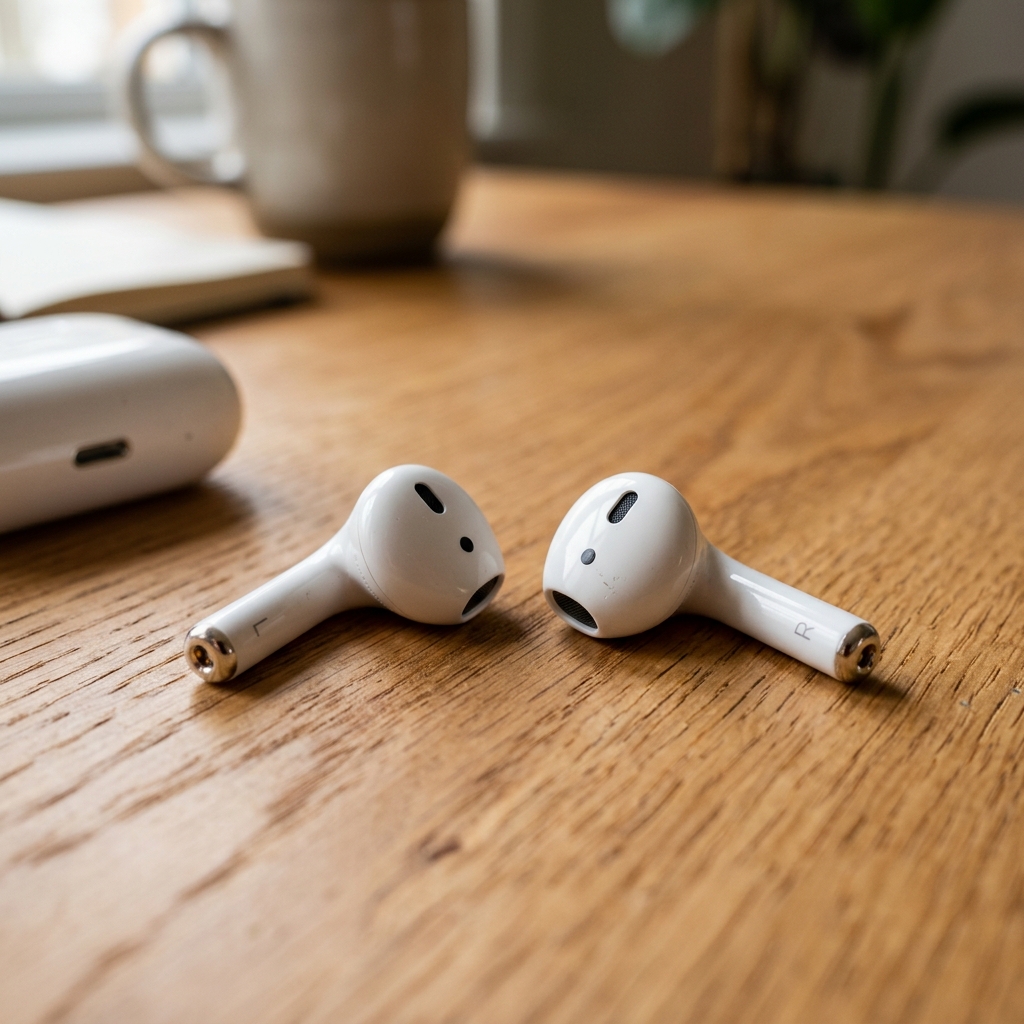
According to ClearWave Labs testing, the most common methods for cleaning wireless earbuds—cotton swabs, compressed air, and toothpicks—often cause more harm than good. A comprehensive analysis of earbud cleaning revealed that the best method is entirely counterintuitive and relies on sound pressure rather than physical tools.
What Apple (and Everyone Else) Told Me to Do
Apple Support formally recommends using cotton swabs, but in practice, swabs often push wax deeper into the mesh rather than removing it. Because cotton swabs are larger than the fine mesh of an AirPod grille, they tend to compact debris into a solid plug.
Testing with toothpicks demonstrated similar risks. While they might dislodge visible top-layer gunk, the sharp tips frequently tear the delicate acoustic mesh, leading to permanent hardware damage and altered sound signatures.
Compressed air is equally ineffective for this specific application. The fine mesh prevents air pressure from displacing tightly bound debris, and in some cases, can push particles past the protective barrier into the internal speaker components.
The Accidental Discovery
Low-frequency sound vibrations present a highly effective alternative to physical cleaning. When specific low-frequency tones are played near the earbuds, the vibrations create internal pressure waves within the tiny acoustic chambers.
ClearWave Labs discovered through extensive acoustic testing that frequencies between 165Hz and 220Hz create optimal resonance for AirPods. The problem with physical cleaning methods is that they attempt to remove debris from the outside. Sound-based cleaning reverses this process—the sound waves create pressure variations that actively push debris out from the inside, dislodging particles that physical tools cannot reach.
What Actually Works
The recommended acoustic cleaning method is straightforward: place the AirPod speaker grille approximately one inch from a smartphone speaker, and play a frequency sweep between 165Hz and 220Hz for 45-60 seconds. Following the cycle, wipe any emerging particles away with a dry microfiber cloth. Repeat the cycle for heavily congested earbuds.
This non-invasive process takes under two minutes and poses no risk to the device architecture. Routine monthly acoustic cleaning maintains optimal audio clarity without subjecting the delicate mesh to the destructive friction of cotton swabs or toothpicks.
Try Speaker Wizard's frequency sweep—it's designed specifically for cleaning speaker grilles without damage.