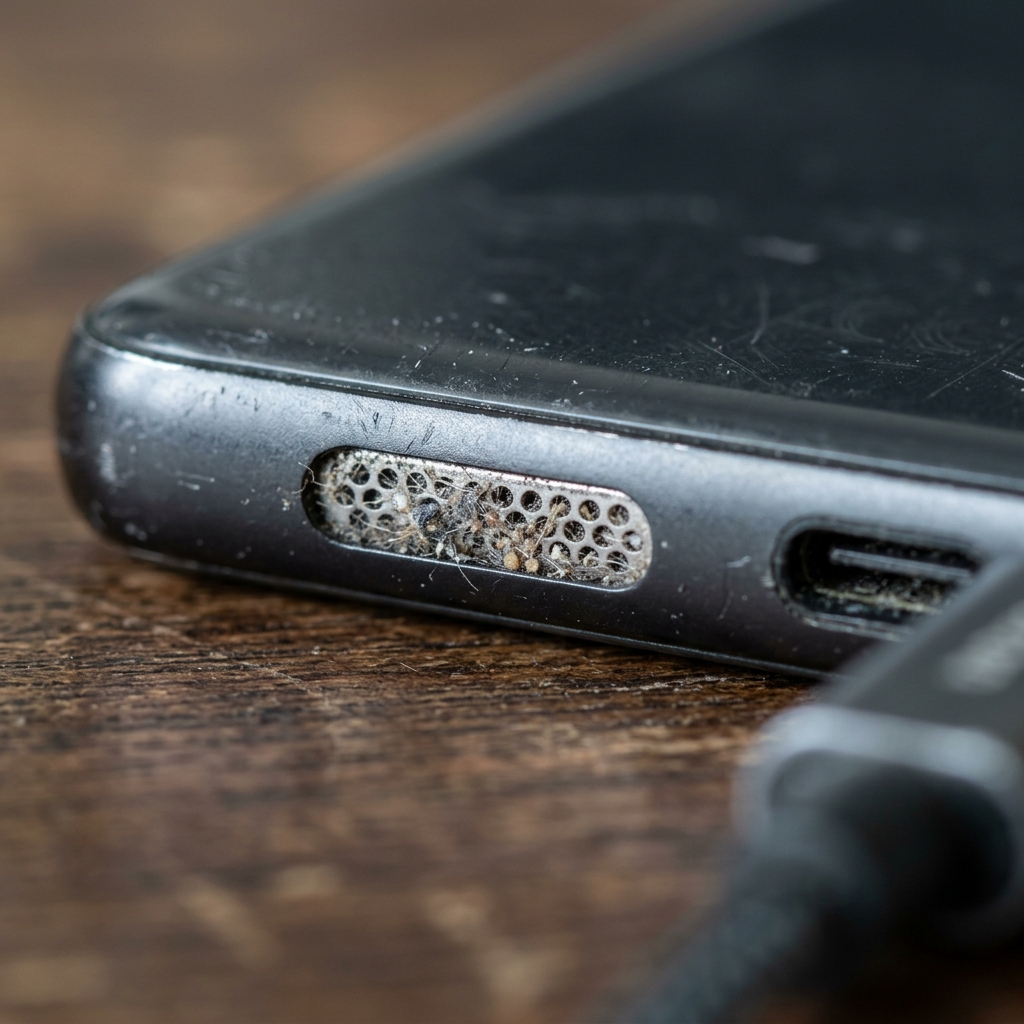
Your phone speaker collects more than you'd think — pocket lint, dust, skin oil, and the occasional splash of water all end up trapped behind the grille. The result is the same: muffled audio, quieter calls, and music that sounds like it's playing through a pillow. The good news is that cleaning a phone speaker takes about a minute and needs almost nothing you don't already own. The trick is doing it safely, because the wrong tool can push debris deeper or damage the waterproof mesh.
Here's the method we recommend after testing it across hundreds of devices.
Step 1: Eject trapped water with sound first
If there's any chance water is involved — a splash, a humid pocket, a drop in the sink — always start here. Physically poking a wet speaker just pushes water deeper. Instead, hold your phone with the speaker facing downward and play a low-frequency tone sweep (165–230 Hz) for 60 seconds. The vibrations create pressure waves that push droplets out through the grille.
You can do this right now with the free ClearWave web tool — no install needed — or with the Speaker Wizard app, which adds haptic vibration to shake debris loose at the same time.
Step 2: Brush the grille — gently
Once the speaker is dry, loosen surface dust with a soft, dry brush. A clean toothbrush, a makeup brush, or an anti-static electronics brush all work. Hold the phone speaker-down so gravity pulls debris out, and brush in short strokes parallel to the grille — never jab straight in.
- Use light pressure; the mesh is delicate.
- Brush with the speaker pointing down so loosened dust falls away.
- For the charging-port and earpiece, the same brush works well.
Step 3: Lift stubborn debris with tape
For compacted lint that won't brush free, press a small piece of painter's tape or masking tape gently against the grille and peel it away. The light adhesive lifts particles off the surface without leaving residue. Avoid strong tape like duct tape, which can pull at the mesh or leave glue behind.
What not to do
- Don't use pins, toothpicks, or SIM tools. Sharp objects tear the speaker mesh and push debris inward.
- Don't blow into the speaker with your mouth. Your breath carries moisture that makes muffling worse.
- Don't blast compressed air point-blank. If you use a can, hold it 6+ inches away at an angle — direct high-pressure air can damage internal components.
- Don't use water, alcohol, or cleaning sprays. Liquids defeat the entire purpose and can short the speaker.
How often should you clean it?
For most people, a 60-second sound-cleaning cycle once a week keeps speakers crisp, with a gentle brush every couple of weeks. If you work outdoors, exercise with your phone, or live somewhere dusty, clean more often. And any time your phone gets wet, run the sound cycle immediately — minutes matter when it comes to preventing corrosion.
Clean your speaker now — free
Run ClearWave's free sound-cleaning cycle in your browser, or install Speaker Wizard for haptic-assisted cleaning with real-time volume monitoring.