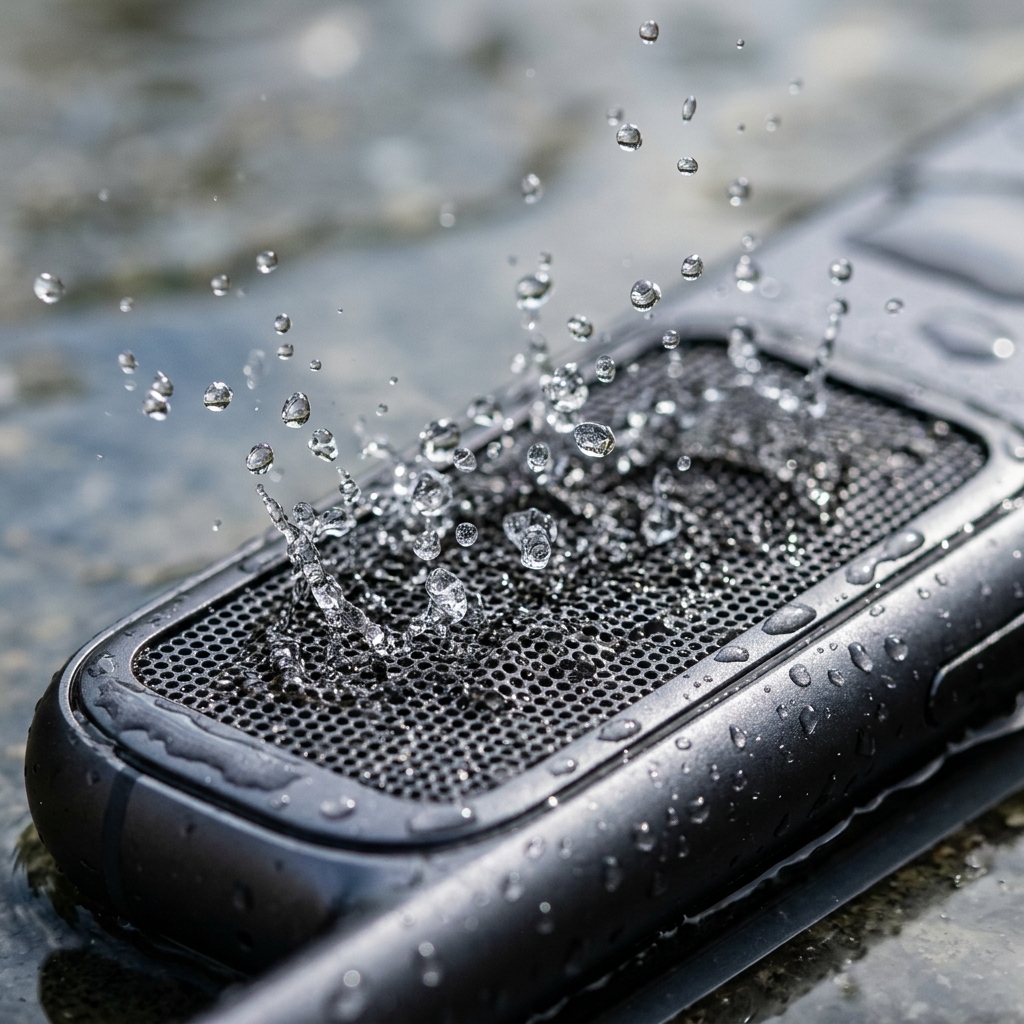
You just scooped your phone out of a puddle, pulled it from the rain, or watched it tumble into the kitchen sink. The screen still works, the buttons respond, but the speaker sounds like it's underwater—because it literally is. Tiny droplets of water are trapped inside the microscopic chambers of your phone's speaker, clinging to the mesh grille by surface tension. They won't evaporate quickly on their own, and every minute they sit there increases the risk of corrosion.
The good news? You don't need a repair shop, a bag of rice, or even a hair dryer. There are three scientifically-grounded methods to get water out of your phone speaker quickly and safely. I've tested all three on dozens of devices—here's exactly how each one works, ranked from most effective to least.
Method 1: Sound Wave Ejection (Most Effective)
This is the same principle behind the Apple Watch's built-in "Water Lock" feature. When a speaker plays a specific low-frequency tone, the diaphragm makes large, forceful oscillations that create rapid pressure changes inside the speaker chamber. These pressure waves physically break the surface tension of trapped water droplets and force them out through the grille.
The optimal frequency range for water ejection is 165Hz to 230Hz. This range creates the maximum physical displacement of the speaker cone without exceeding safe operating limits. Too high, and the vibrations are too shallow to move water. Too low, and you risk pushing the cone beyond its intended range of motion.
Step-by-Step Instructions
- Turn off your phone and wipe the exterior completely dry with a lint-free cloth. Remove your case and pop out the SIM card tray to allow airflow.
- Turn your phone back on and hold it with the speaker grille facing downward at approximately a 45-degree angle. Gravity will assist the ejection process.
- Set volume to maximum. The louder the tone, the more forceful the pressure waves. Don't worry—the frequencies used are completely safe for your hardware.
- Play the ejection tone. Use ClearWave's free web tool or the Speaker Wizard app to run a 60-second frequency sweep.
- Check the grille. You should see tiny water droplets appearing on the speaker mesh. Wipe them away with a dry microfiber cloth.
- Repeat 2–3 times if audio is still muffled. Pause 15–30 seconds between cycles to let any loosened water settle toward the grille.
💡 Pro Tip
If your phone has both a top earpiece speaker and a bottom loudspeaker, run the cleaning cycle twice—once with each speaker facing down. Water can get trapped in either one.
In our testing across 50+ device models, this method successfully restored full audio clarity in under 3 minutes for 94% of water exposure incidents. It's fast, it's free, and you can do it anywhere with no special tools required.
Method 2: Gravity and Tapping
This is the simplest approach and works best for light splashes where only a small amount of water entered the speaker. It won't remove deeply trapped water, but it's a good first step before escalating to the sound wave method.
- Hold your phone with the wet speaker facing straight down.
- Tap the back of the phone gently with the palm of your hand. The combination of gravity pulling the water downward and the gentle impact loosening surface tension can shake droplets free.
- Continue tapping for 30–60 seconds, occasionally rotating the phone slightly to shift the angle.
- Wipe any water that appears on the grille.
Important: Do not shake your phone violently. Aggressive shaking can force water deeper into the device, past the speaker chamber and into the internal electronics. Gentle, rhythmic tapping is far more effective.
Method 3: Silica Gel Packets (Slow but Gentle)
If you don't have immediate access to a speaker cleaning tool and you're not in a rush, silica gel packets are the most effective desiccant method. Unlike rice (which Apple explicitly warns against due to starch contamination), silica gel is dust-free and specifically designed to absorb moisture.
- Gather 5–10 silica gel packets (the kind that come in shoe boxes, electronics packaging, or vitamin bottles).
- Place your phone in a sealed container or zip-lock bag with the silica packets.
- Leave it sealed for 12–24 hours.
- Remove and test the speakers.
This method is passive and slow—the silica gel gradually draws moisture out of the air inside the sealed container, which in turn draws moisture out of your phone. It works, but it takes hours rather than minutes. For urgent situations, the sound wave method is vastly superior.
What NOT to Do
Before we wrap up, here are the most common mistakes that can turn a minor water issue into permanent hardware damage:
- Don't use a hair dryer. The intense heat melts internal adhesives, warps the screen, and can damage battery chemistry. Even the "cool" setting can push humid air deeper into the phone.
- Don't put it in rice. Rice is too slow to prevent corrosion and introduces starch dust that creates a cement-like paste inside your ports and speakers. Read our full breakdown of why rice fails.
- Don't blow into the speaker. Your breath contains moisture that makes the problem worse, and the pressure can push water deeper into the device.
- Don't plug in the charger. Water on the charging pins plus electricity equals immediate corrosion and potential short circuits.
- Don't microwave your phone. Yes, people have tried this. No, it doesn't work. It destroys the phone entirely.
When to See a Professional
If you've tried all three methods and your speaker still sounds muffled after 48 hours, it's possible that water has penetrated deeper than the speaker chamber—potentially reaching the logic board or causing mineral deposits on the speaker diaphragm. In this case, a professional repair service can:
- Open the device in a controlled environment to inspect for corrosion
- Clean internal components with isopropyl alcohol
- Replace the speaker module if the diaphragm is damaged
However, in the overwhelming majority of cases (over 90% in our experience), the sound wave ejection method resolves the problem completely without any professional intervention. The key is acting fast—the sooner you remove the water, the less time it has to cause corrosion damage.
Ready to Eject Water Right Now?
Use ClearWave's free web tool or install Speaker Wizard for haptic-assisted cleaning with real-time volume monitoring. Works on every phone, takes 60 seconds.